What Is a KPI Dashboard? (And Why Every Small Business Needs One in 2025)
Why KPI Dashboards Matter More Than Ever
In a rapidly changing business environment, small business owners don’t have the luxury of relying on gut instinct alone. Success in 2025 will come to those who make data-driven decisions — and that starts with a clear, real-time view of performance.
That’s where a KPI dashboard comes in.
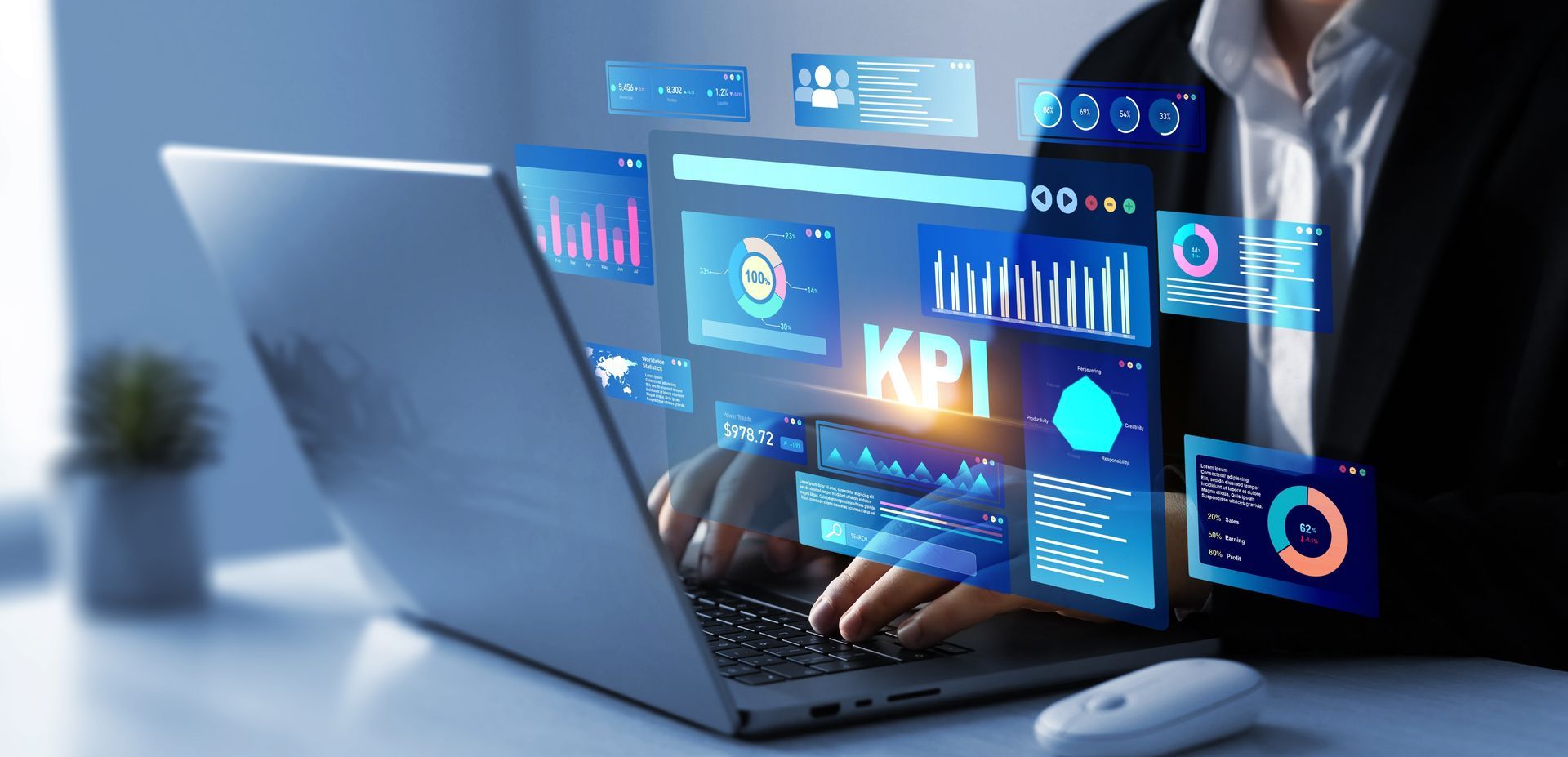
A KPI (Key Performance Indicator) dashboard is a visual tool that allows you to monitor the metrics that matter most — in real time, all in one place. From revenue growth and cash flow to customer retention and marketing ROI, KPI dashboards empower you to track, adapt, and grow with clarity.
At Ziptie Advisory Group, we help small and mid-sized businesses build customized dashboards that align with their values, strategy, and operational goals. Whether you’re a startup founder or managing a growing team, having the right dashboard can be the difference between guesswork and growth.
What Is a KPI Dashboard?
A KPI dashboard is a centralized reporting interface that displays your business’s most critical performance metrics. It pulls data from multiple systems (e.g., your CRM, accounting software, marketing platforms) and presents it visually using:
- Charts and graphs
- Real-time data tables
- Progress trackers
- Custom alerts or goal indicators
The goal? Help business owners and managers make faster, smarter, and more aligned decisions — without digging through spreadsheets or waiting for monthly reports.
Why Every Small Business Needs One
Many small businesses operate reactively. They find out something isn’t working after the damage is done — like overspending a budget, missing a project deadline, or losing a key client.
A KPI dashboard changes that by offering:
- Visibility: Instantly see what’s going right (or wrong) across your operations
- Focus: Keep your team aligned on the goals that matter
- Speed: Make timely decisions using up-to-date performance data
- Accountability: Assign KPIs to departments or individuals to track ownership and progress
According to [Forbes – https://www.forbes.com/sites/forbesbusinesscouncil/2022/06/01/why-kpi-dashboards-are-essential-in-business/?sh=396c415d48c3], companies that use KPI dashboards are 5X more likely to meet their goals than those that don’t.
Examples of KPIs to Include in Your Dashboard
The KPIs you track depend on your industry and business model, but here are some of the most common and valuable metrics for small businesses in 2025:
Sales & Growth KPIs
- Revenue (monthly/quarterly/yearly)
- Revenue Growth Rate
- Customer Acquisition Cost (CAC)
- Customer Lifetime Value (CLV)
Financial Health KPIs
- Operating Cash Flow
- Gross Profit Margin
- Accounts Receivable Aging
- Debt-to-Equity Ratio
Operations KPIs
- Project Completion Rate
- Average Task Duration
- Inventory Turnover (for product-based businesses)
Customer & Employee KPIs
- Net Promoter Score (NPS)
- Customer Churn Rate
- Employee Productivity
- Employee Engagement Score
Real-World Example: KPI Dashboards in Action
In 2024, a Birmingham-based design agency came to Ziptie Advisory Group with a common problem: they were growing quickly but couldn’t keep track of team performance, cash flow, or project timelines.
We helped them build a customized KPI dashboard that pulled data from:
- QuickBooks for financial reporting
- Trello for project timelines
- HubSpot for client activity
- Gusto for payroll and employee metrics
Results within 60 days:
- 40% improvement in on-time project delivery
- 25% reduction in overdue invoices
- Weekly leadership meetings cut from 2 hours to 30 minutes
- Increased transparency and accountability across departments
How to Build a KPI Dashboard That Works
1. Start With Your Business Goals
Don’t just track numbers — track what matters. Are you trying to grow? Cut costs? Improve retention?
Every KPI should tie directly to one of your core objectives.
2. Choose Your Metrics Wisely
Avoid vanity metrics (like social followers or email open rates) unless they directly support your goals. Focus on metrics that reflect:
- Financial health
- Customer satisfaction
- Team productivity
- Operational efficiency
3. Pick the Right Tools
There are plenty of tools available — from entry-level to enterprise. Some popular options include:
- Google Looker Studio (formerly Data Studio) – Free and customizable
- Zoho Analytics – Affordable and great for small businesses
- Klipfolio – Offers real-time dashboard customization
- Power BI or
Tableau – Best for complex, multi-source data visualization
Not sure what to choose? We help you select and set up the right dashboard tool based on your current systems.
4. Automate Your Data Sources
The best dashboards update automatically. This reduces manual work and keeps your data fresh. Integrate with:
- Your accounting software (e.g., QuickBooks, Xero)
- CRM tools (e.g., HubSpot, Salesforce)
- Marketing platforms (e.g., Mailchimp, Google Ads)
- HR or project management software
5. Review and Refine Regularly
Dashboards aren’t set-and-forget. Meet weekly or monthly to:
- Review trends
- Ask why numbers are moving
- Adjust goals or priorities based on performance
Frequently Asked Questions
Can I build a KPI dashboard without coding?
Yes. Most dashboard tools are user-friendly and don’t require technical skills. Platforms like Zoho Analytics, Google Looker Studio, and Klipfolio are designed for non-developers.
How many KPIs should I track?
Aim for 5–10 KPIs per department to avoid clutter. Focus on metrics that align with specific objectives and can drive meaningful action.
Will a KPI dashboard work with my existing systems?
Absolutely. Most modern tools integrate with common business software like QuickBooks, Slack, Trello, Google Sheets, and CRMs.
How fast will I see results?
Most businesses begin seeing better decision-making, time savings, and team alignment within 30 to 60 days of implementation.
Get Clarity, Control, and Confidence
Data shouldn’t be overwhelming — it should be empowering. With a customized KPI dashboard, your business can shift from reacting to forecasting, from guessing to growing.
At Ziptie Advisory Group, we help businesses in Birmingham and beyond build and implement powerful dashboards that track what really matters.
Call us at (203) 979-5059
[Connect with us on LinkedIn – https://www.linkedin.com/company/ziptie-advisory-group]
to schedule a consultation and start building your real-time command center.